To update your payment information, please follow these easy steps:
1. Login to the Meal Planner and navigate to the Account page

2. Click on "Payment Details" on the account page
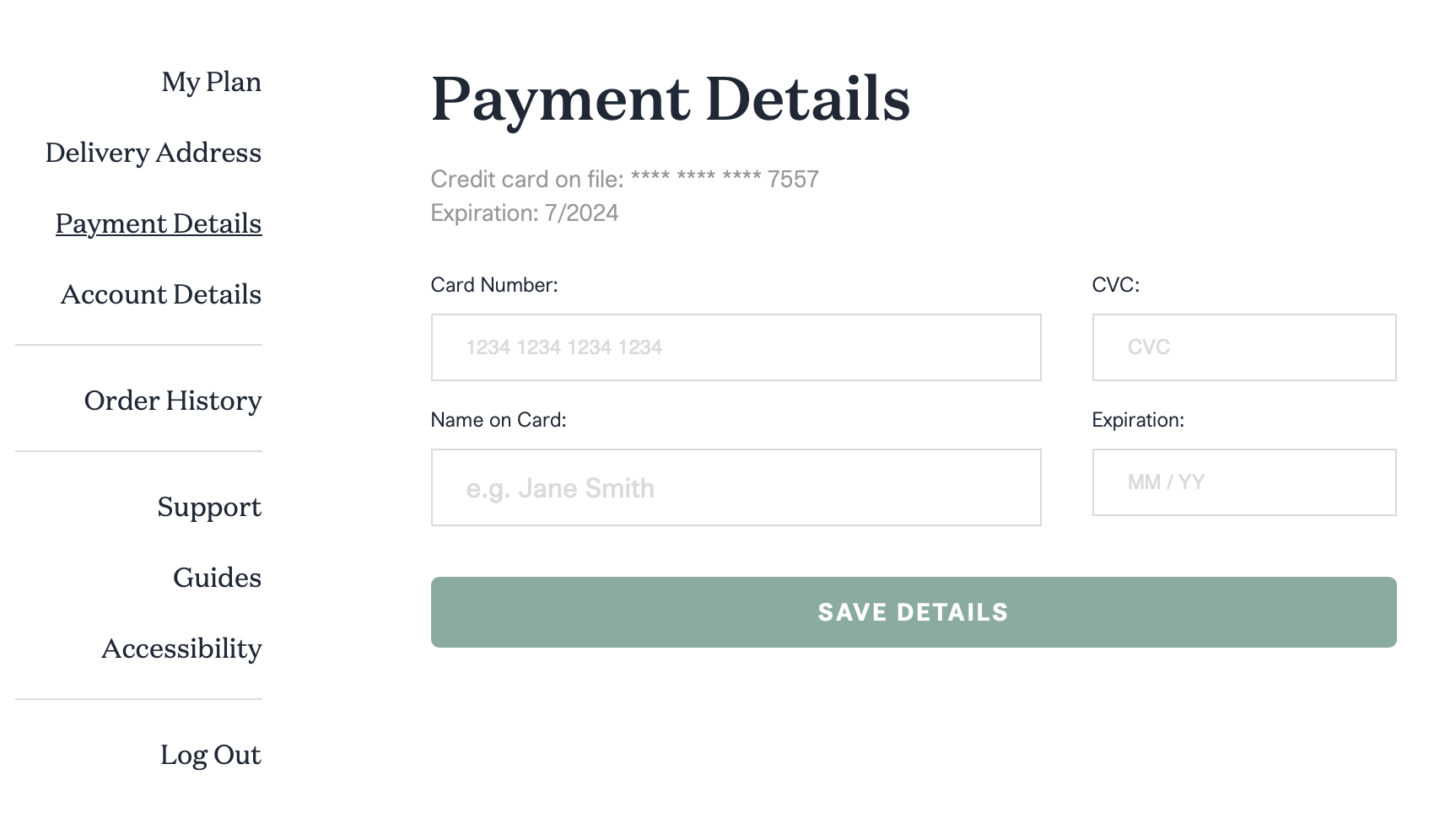
3. Enter your new payment information, then click "Save Details"
To update your payment information, please follow these easy steps:
1. Login to the Meal Planner and navigate to the Account page
2. Click on "Payment Details" on the account page
3. Enter your new payment information, then click "Save Details"